
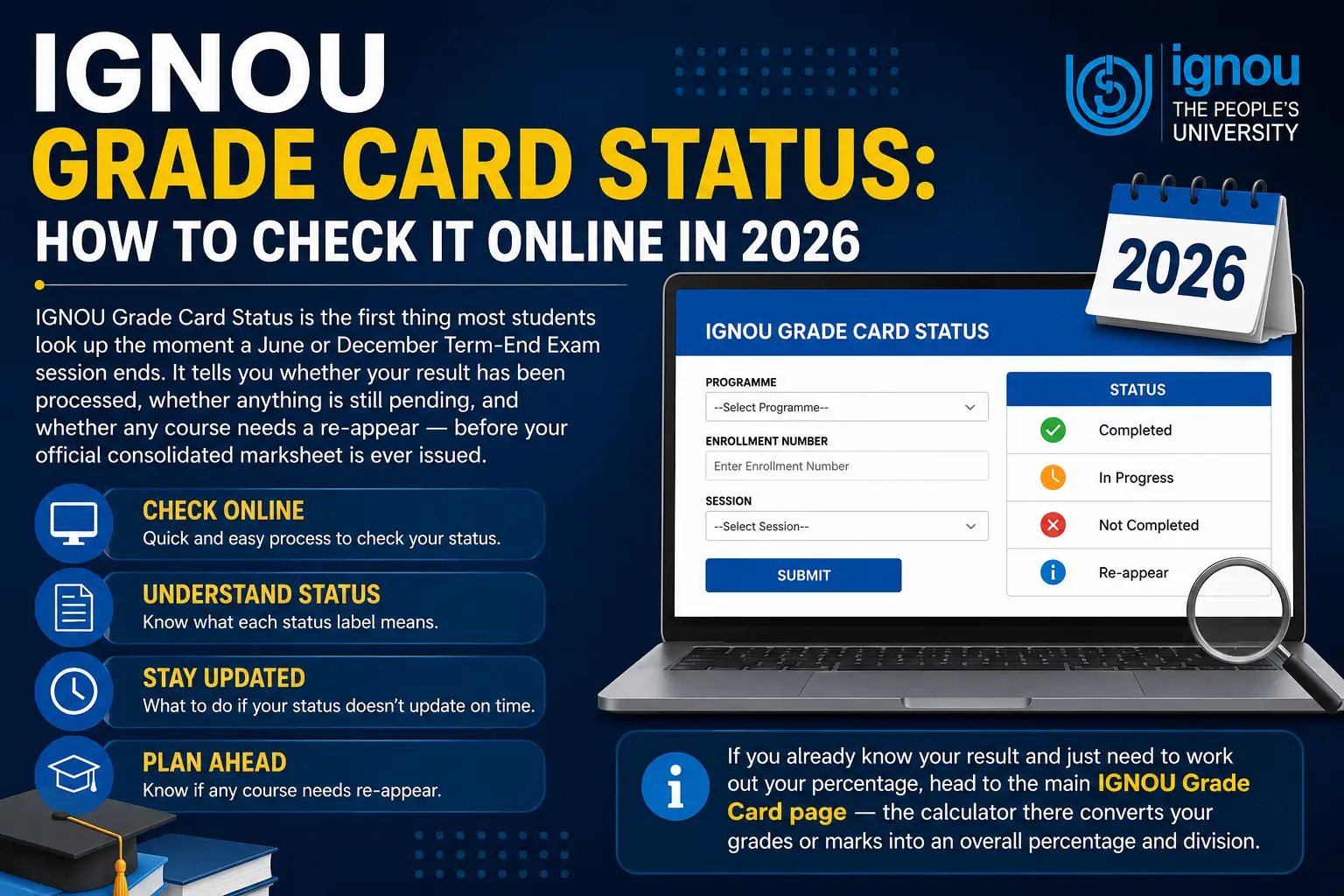
IGNOU Grade Card Status is the first thing most students look up the moment a June or December Term-End Exam session ends. It tells you whether your result has been processed, whether anything is still pending, and whether any course needs a re-appear — before your official consolidated marksheet is ever issued.
This guide walks through exactly how to check it, what each status label actually means, and what to do when it doesn’t update on time.
If you already know your result and need to work out your percentage, head to the main IGNOU Grade Card page — the calculator there converts your grades or marks into an overall percentage and division.
How to Check IGNOU Grade Card Status Online
Go to the official portal at gradecard.ignou.ac.in — always type or bookmark the real domain directly; never go through a shortened or third-party link.
- Select your programme from the dropdown (e.g., BAG, BCA, MCA, MBA).
- Enter your 9-digit enrollment number.
- Choose the correct exam session — June or December — and the year.
- Click Submit.
- Your result will display with a status against each course: Completed, Not Completed, or Reappear (R).
If the portal doesn’t load or times out, that’s usually server load right after a result declaration, not an account issue — try again after a few hours rather than repeating enrollment attempts, which can occasionally trigger a temporary block.
Understanding Status Messages on Your Grade Card
Each course on your grade card carries its own status, separate from your grade or marks:
| Status | What it means |
|---|---|
| COMPLETED | Course passed successfully — no action needed |
| NOT COMPLETED / NC | Assignment or TEE marks haven’t been received or processed yet — not a fail |
| R (Reappear) | You didn’t meet the minimum grade and need to retake the TEE for that course |
| ABSENT | No TEE attempt was recorded for that session |
What to Do If Your IGNOU Grade Card Status Shows “Not Completed”
“Not Completed” is the status that causes the most unnecessary worry, so it’s worth breaking down on its own. It almost always means one of two things:
- Your assignment marks haven’t been uploaded by your study centre yet — this is the more common cause, and it’s on the study centre’s side, not yours.
- Your TEE answer script is still under evaluation — this can take longer in high-volume sessions.
Give it 4–6 weeks after the general result declaration before contacting anyone. If it’s still showing “Not Completed” after that window, raise a grievance with your Regional Centre, quoting your enrollment number, programme code, and course code.
Common Reasons Your Grade Card Status Hasn’t Updated
- Assignment submission delay — if you submitted late or your study centre logged it late, processing pushes back accordingly.
- Re-registration not confirmed — if you didn’t complete re-registration for the current session, your TEE result may not link to your account.
- Enrollment or programme code mismatch — a common data-entry issue on IGNOU’s end; a grievance with proof of exam attendance usually resolves it.
- General processing lag — results for large programmes (BAG, BCOM) often take longer to populate than smaller specialised programmes fully.
Login or Portal Issues on the Status Page
If the portal itself won’t accept your enrollment number:
- Double-check you’re entering all 9 digits with no spaces.
- Confirm you’re selecting the correct programme — the same enrollment number can return “not found” if the wrong programme is selected.
- Clear browser cache or try a different browser — the IGNOU portal is known to behave inconsistently on outdated mobile browsers.
- If none of that works, the official IGNOU student support helpline can verify your enrollment status directly.
Grade Card Status vs. Final Result — What’s the Difference
Your grade card status tells you where each course stands right now; it isn’t your final academic record.
Once every course shows “Completed,” your full session result is finalized — but your official consolidated marksheet (used for further study or employment) is a separate document issued later.
For the full distinction, see our Grade Card vs. Marksheet section, and for a breakdown of results by session, see the June 2025 and December 2025 session guides.
FAQ
How do I check my IGNOU Grade Card Status online?
Visit the official IGNOU grade card portal, select your programme, enter your enrollment number and session, then submit.
What does “Not Completed” mean in my IGNOU Grade Card Status?
It means your assignment or TEE marks haven’t been processed yet — it isn’t a fail.
How long does it take for IGNOU Grade Card Status to update?
Usually 2–3 months after the session ends, though it varies by programme and course load.
What does “R” mean in my grade card status?
Reappear — you need to retake the TEE for that specific course.
Why can’t I find my enrollment number on the status page?
Double-check you’ve selected the correct programme; the same number can return “not found” under the wrong programme code.
Is my grade card status the same as my final result?
No — status reflects real-time processing per course; your final result is confirmed once every course shows “Completed.”
Who do I contact if my status doesn’t update after months?
Your Regional Centre, via a written grievance with your enrollment number, programme, and course code.
Conclusion
Your IGNOU Grade Card Status is really just a processing tracker — Completed, Not Completed, or Reappear — and in most cases a “Not Completed” label resolves itself within a few weeks without any action on your part.
Check the portal directly, give assignment and TEE processing the usual 4–6 week window, and only escalate to your Regional Centre if it’s genuinely stuck past that point.
Once every course shows Completed, head back to the main IGNOU Grade Card page to calculate your overall percentage and division.